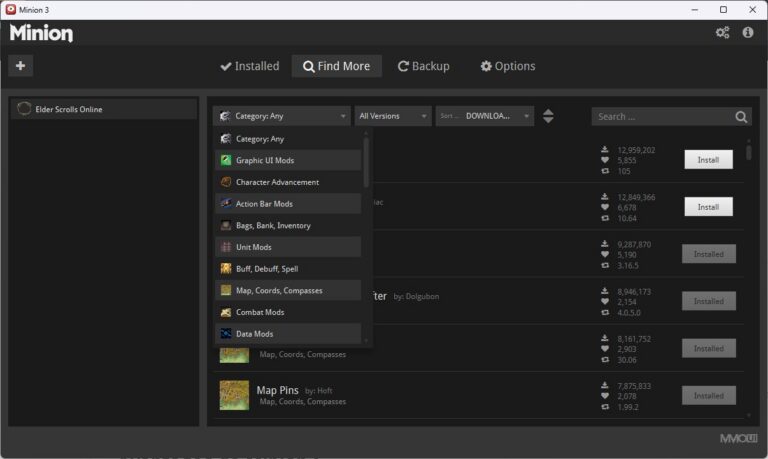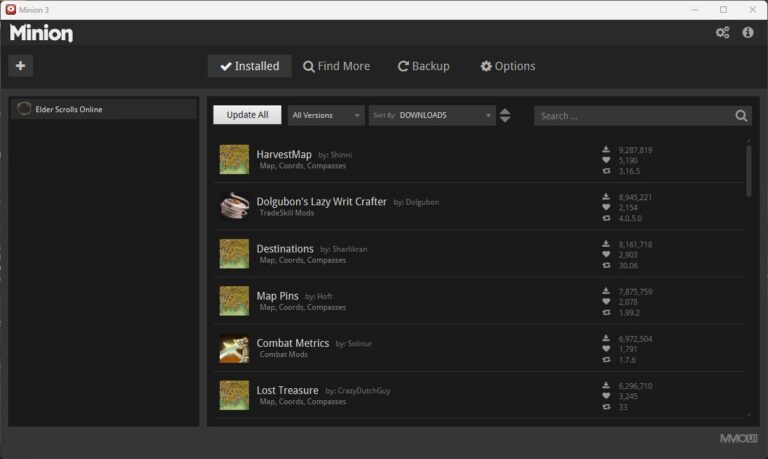


It is possible to significantly enhance the visual appearance of The Elder Scrolls Online thanks to the NVIDIA filters available for RTX graphics cards.


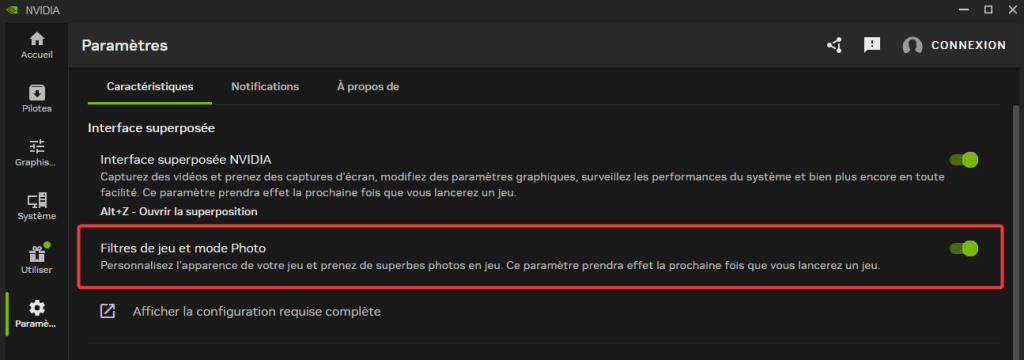
Step 1: Check that NVIDIA filters are enabled
In the NVIDIA settings, make sure the In-game Filters option is enabled.
Step 2: Open the filter interface and apply the filters
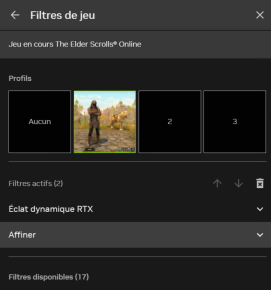
Launch the game and, once in game, press ALT + F1 to open the NVIDIA filter menu.
Add the following filters:
- RTX Dynamic Vibrance: 50%
- Sharpen (according to your preference)
These settings increase sharpness and intensify colors without ruining the game’s atmosphere.
Press ALT + F1 again to close the NVIDIA window.
Now you have a much more colorful, less dull game! Enjoy 😊